
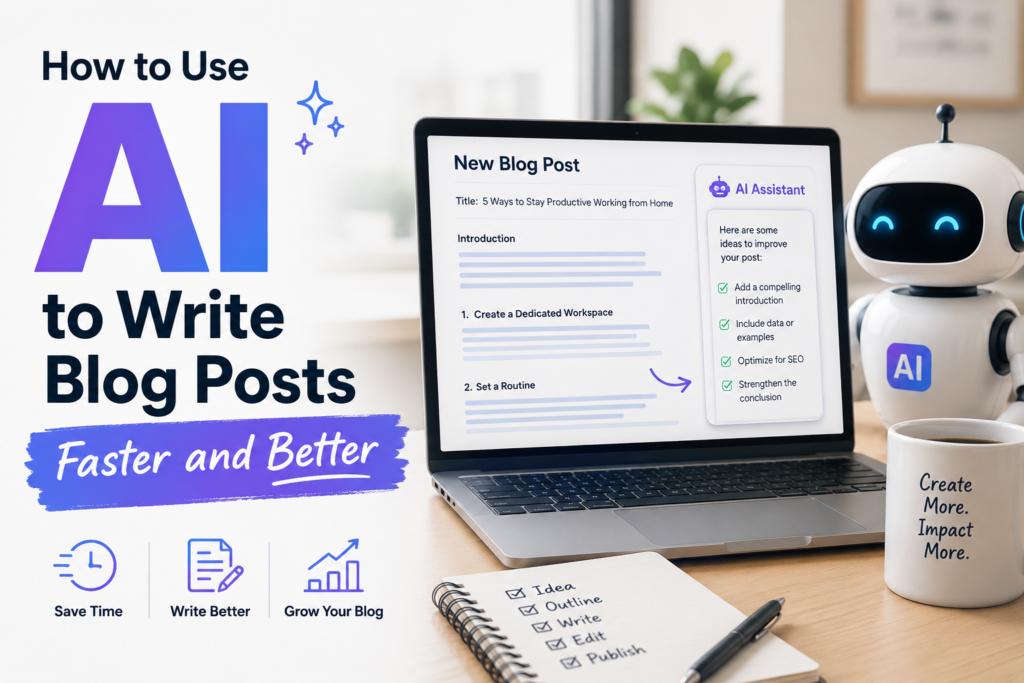
AI can help you write blog posts faster by improving outlining, drafting, editing, and idea generation. The best results happen when you use AI as a writing assistant instead of a full replacement, while still controlling the facts, tone, and final message.
According to a 2025 HubSpot survey, marketers using AI tools for content creation reported saving an average of 3+ hours per blog post.
If you want to improve your productivity, treat generative AI as a helpful collaborator rather than a complete replacement. This technology is excellent at helping you overcome writer’s block by generating ideas and structural frameworks. It works best when it helps you plan, draft, and revise, while you keep control of the core message, facts, and voice. Adopting this refined method creates a more efficient blogging workflow that makes the whole job quicker and far less messy.
AI speeds up content creation most when humans guide the structure, verify the facts, and refine the final voice.
Key Takeaways
- Treat AI as a collaborator, not a replacement, so you keep control of voice, facts, and structure.
- Start with one audience, one problem, and one clear outcome before you prompt.
- Build and edit the outline before drafting the full post.
- Draft one section at a time, then cut repetition and filler during the edit.
- Fact-check every claim before publishing, because AI can invent details.
How to Start Writing Blog Posts with AI
Clear prompts produce faster, cleaner AI blog drafts with less editing later. When the request is broad, the output is broad too. That means more filler, more repeated ideas, and more time spent fixing the draft later.
A better prompt gives the model a job it can actually do well. Set the topic, name the reader, and state the outcome you want. By using ChatGPT as a brainstorming partner for initial idea generation, you provide the model with enough context to avoid guesswork. Then, the AI has fewer gaps to fill on its own.

Choose your target audience and one problem to solve
Start small. Pick one target audience and one problem to solve. Focusing your efforts on generating specific topic ideas that address a single pain point improves the first draft more than any fancy prompt trick.
This quick comparison shows the difference:
| Prompt type | Example |
|---|---|
| Weak | “Write a blog post about AI.” |
| Stronger | “Write a 1,100-word blog post for small business owners who want to save time on content creation. Explain how AI can help with outlining, drafting, and editing in a clear, practical tone.” |
A freelance blogger reduced editing time from nearly 2 hours to 35 minutes by switching from one-shot AI drafts to a section-by-section workflow with prebuilt outlines and manual fact-checking.
The second version gives AI a lane to stay in. As a result, the draft is more focused and easier to edit. You spend less time cutting generic advice and more time improving ideas that matter.
AI saves the most time when the prompt removes guesswork.
Tell AI the length, tone, and format you want
Length matters because it shapes depth. Tone matters because it shapes trust. Format matters because it shapes flow. Providing these details early helps with SEO optimization, as it allows you to structure the content for both readers and search engines from the start.
If you ask for a post with a short intro, clear H2s, and concise paragraphs, the draft usually comes back closer to publishable form. You can also ask for a formal tone, plain language, or examples for beginners. Each detail reduces future cleanup.
This approach matches the advice in the WordPress guide on using AI for blog posts, which stresses context before drafting. In 2026, that still holds. Clear input produces better output, and better output means fewer rewrites.
How AI Helps Create Better Blog Post Outlines
Many people waste time by asking AI for the full article too early. That often creates a long draft with weak structure, repeated sections, and ideas in the wrong order.
Well-crafted outlines fix that. They provide a roadmap before you start driving, making the process of creating long-form content shorter and far less frustrating.

Ask for a blog outline with sections that flow logically
A useful outline should match what the reader wants to know first, second, and third. For a practical post, that often means a short opening, a few main sections, and a direct close.
Ask AI to build headings that answer the reader’s main question in order. This approach results in highly structured content that guides the user experience. Check whether each section earns its place; if two headings sound similar, combine them. If a heading drifts away from the topic, remove it.
Quality outlines also make the article easy to scan. Short headings, clear subpoints, and a visible structure help readers stay with you. They also make drafting simpler because you can write one section at a time instead of staring at a blank page.
Review and edit the outline before drafting
This step is quick, but it saves real time. Read the outline once and look for missing points, overlap, or sections that feel thin. Then, adjust the order before any full drafting starts.
A five-minute review can prevent a thirty-minute rewrite. That is why many experienced users build their blog posts in stages rather than relying on one giant prompt. The same section-first method shows up in this Jasper workflow guide, which recommends fixing the plan before asking for full paragraphs.
Why Writing AI Blog Posts in Sections Works Better
Once your outline is solid, draft the article section by section. This approach allows you to draft blog posts more effectively by keeping the workload manageable and controlled. By focusing on one segment at a time, your writing stays on topic because each prompt has a specific, narrow purpose. This disciplined workflow consistently results in a stronger first draft.
When AI writes an entire post in one shot, it often repeats itself or loses direction halfway through. Shorter, targeted requests produce much sharper sections that fit perfectly into your broader content marketing strategy.
Draft the introduction first, then move to the body
Start with the opening, even if you plan to revise it later. A good intro gives the post a clear promise and sets the tone for everything that follows.
Keep that opening brief. State the problem, hint at the solution, and move on. Then write the body sections one at a time. After the full draft is done, return to the intro and tighten it so it matches the finished piece. This method also reduces decision fatigue. You are not trying to manage a whole article at once; instead, you are solving one small writing problem, then the next.
Use your own examples and notes to make the draft stronger
AI gets much better when you feed it real material. Add product notes, customer questions, opinions, or short examples from your own experience. Integrating your own original research or unique insights into the AI process helps differentiate your content from generic automated text.
For example, if you write about finance, include the exact mistake readers keep making. If you write about fitness, add the specific habit that tends to break first. When you supply the raw material, AI can shape it faster than a blank-sheet start.
That same logic applies to longer projects too. If you want to see how a rigid AI writing workflow can stretch beyond blog posts, this Cozy Co-Author review shows how structure and guided inputs can support much larger writing jobs.
Edit the AI draft so it sounds like a real person wrote it
Speed does not end with the first draft. A fast draft is only useful if the edit is quick and focused. That is why editing belongs inside the workflow, not at the end as an afterthought. Throughout this process, consistent human oversight is essential to ensure the final output reflects your brand voice and authority.
The goal is simple: keep what is useful, cut what is flat, and check every claim that matters.
Cut repeated words and filler sentences
AI often repeats the same point in slightly different language. It also adds filler such as “it is important to note” or broad claims that say little. Those lines slow the reader down and weaken the post.
Trim hard. If two sentences make the same point, keep the stronger one. If a paragraph starts slowly, remove the first line and read it again. Many AI drafts improve the moment you cut 10 to 20 percent.
Read each section with one question in mind: does this sentence add value or only take up space? If it is only padding, delete it.
If a sentence sounds like a template, rewrite it.
Check facts, tone, and flow before publishing
AI can invent stats, quotes, links, and product details. Because of that, every factual claim needs careful fact-checking before you hit publish. This matters even more for finance, health, legal, and technical topics. You should also run a check for plagiarism to ensure your post is original and unique.
Tone needs the same attention. Read the piece out loud. If a sentence feels stiff or unnatural, rewrite it in plain English. Use tools like Grammarly for a final polish to catch grammar issues and refine your writing style. Grammarly’s writing guide recommends reading content aloud to improve tone and flow during editing. Also check the flow between sections. Each part should lead to the next without sudden jumps.
A final human review is still the standard in 2026. When you refine your AI-generated text to meet Google’s Helpful Content guidelines explain that content should prioritize originality, usefulness, and people-first value… As highlighted in the Claude blog writing workflow, AI can speed up drafting, but trust still comes from careful human review.
Frequently Asked Questions About Using AI to Write Blog Posts
How do you keep AI from sounding repetitive in blog posts?
Write one section at a time and give the model a narrow task. Then trim filler and merge repeated points during the edit. That keeps the draft focused and easier to read.
Do I still need an outline if the topic is clear?
Yes, because an outline keeps the article in order and cuts rewrites later. It also helps you spot gaps before you draft full sections.
How do I add my own expertise to an AI draft?
Use your own notes, examples, and customer questions before drafting starts. That gives the model real material to shape into a post with a more specific voice.
Should I fact-check AI-generated blog content?
Always. AI can invent facts, quotes, and links, so every claim needs a human review before publish, especially in health, finance, legal, or technical content. OpenAI and Anthropic both recommend human review for important factual claims generated by AI systems.
Conclusion
The fastest way to use AI for content creation is not random prompting. It is a repeatable process: set a clear topic, build the outline, draft one section at a time, and edit with care. As part of this workflow, remember to craft a compelling meta description and integrate relevant keywords throughout your text to ensure your content is optimized for success.
Following this structure helps your work stand out on search engine results pages and increases the likelihood of being featured in an AI Overview. Used well, AI cuts busywork, shortens the blank-page stage, and gives you more time for the parts that still need a human mind, ultimately helping you produce high-quality blog posts more efficiently.
If you want to see the AI writing and marketing tools I personally recommend, check out my AI Tools Resource Page.
Author: Rafael Ferreras
Experience: Online marketer since 2012 specializing in digital products and online income strategies
Last Updated: May 2026
Disclaimer:
This article may discuss AI-assisted writing workflows and tools. All publishing decisions, edits, fact-checking, and final content reviews should be completed by a human editor before publication.